IPTV player for Mac: M3U and Xtream Codes on macOS
OndalyTV is an IPTV player for macOS with a television-style interface: live channels with now and next, a programme guide, and films and series with posters and synopses. It runs on Intel and Apple Silicon Macs with macOS 12 or later. You bring your own M3U playlist, Xtream Codes account or Jellyfin, Emby or Plex server; OndalyTV includes no channels.
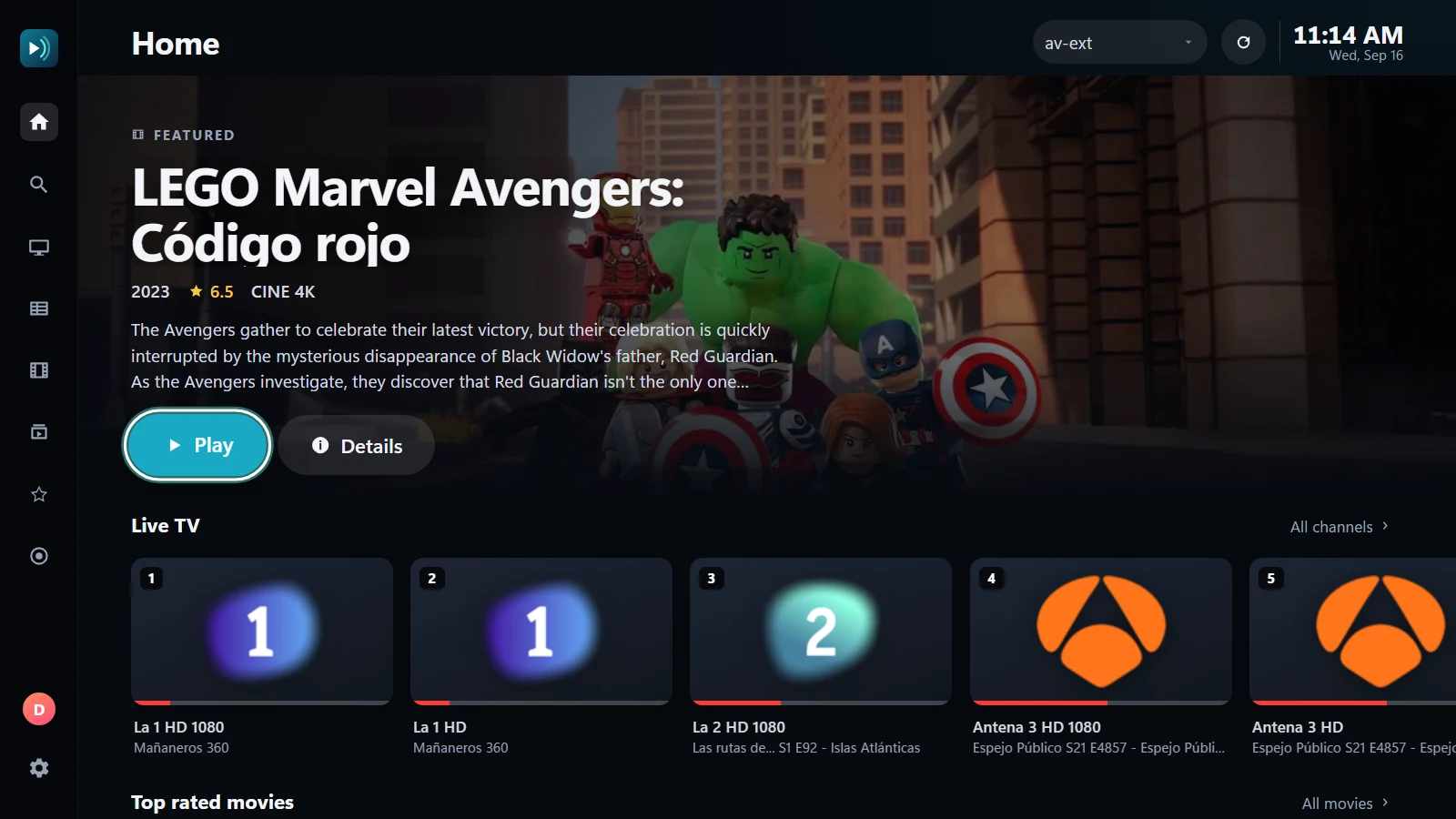
What you need
- A Mac with macOS 12 Monterey or later, Intel or Apple Silicon (M1, M2, M3, M4).
- About 400 MB of disk space.
- Your own M3U / M3U8 playlist or Xtream Codes account from your provider, or your own Jellyfin, Emby or Plex server. OndalyTV includes no channels or content.
Which download is mine?
- Apple Silicon (M1 or newer): the Apple Silicon DMG. Check under Apple menu › About This Mac: it says "Chip Apple M…".
- Intel Mac: the Intel DMG ("Processor … Intel" in About This Mac).
- Both are in the download section of ondaly.tv and are the same app.
Install it on macOS
- Open the DMG you downloaded and drag OndalyTV to the Applications folder.
- Open OndalyTV from Applications. The app is not notarized by Apple yet, so the first time macOS may say it cannot check it for malicious software and not open it.
- In that case open System Settings › Privacy & Security, scroll down to the message about OndalyTV, press "Open Anyway" and confirm. macOS remembers it: from then on it opens normally.
Add your playlist
On first launch OndalyTV asks for a source. Choose M3U and paste your playlist address, or Xtream Codes and type the server (with http:// and the port), your username and your password. Channels, guide, films and series load by themselves, sorted in their categories.
To see how it works first, press "Try a demo playlist": three channels with a guide, two films and a series, all freely licensed, that you can remove afterwards.
Keyboard and mouse
- Arrows move, Enter opens, Esc goes back; it also works with the mouse or the trackpad.
- On a live channel, up and down change channel; the space bar pauses and O opens the options (speed, aspect ratio, sleep timer).
- Settings › General › Interface size makes everything bigger if the Mac is connected to a TV.
What the Mac version does and does not do
- Same as on Windows and Android TV: live TV with now and next, programme guide, favourites, profiles and PIN lock, films and series with posters, and your Jellyfin, Emby or Plex libraries.
- Only in the Windows app for now: recordings of live channels, subtitles that sync themselves to the dialogue, and picture-in-picture.
- Live TV is free. Films and series, the 7-day guide, catch-up, multi-view and skip intro are Premium: a yearly plan with a 7-day free trial, or lifetime. One account works on your Mac, your PC and your TV.
Updating
To move to a new version, download the new DMG from ondaly.tv and drag the app to Applications again, replacing the old one. Your playlists, favourites and settings stay. What changed in each version is on the changelog page.
Free player. No channels or content included.