An Emby client for Android TV and Windows
OndalyTV signs in to your own Emby server the same way it does to Jellyfin: address, user and password. Its films and series appear in Movies and Series with artwork, seasons and episodes, ready to play with the remote.
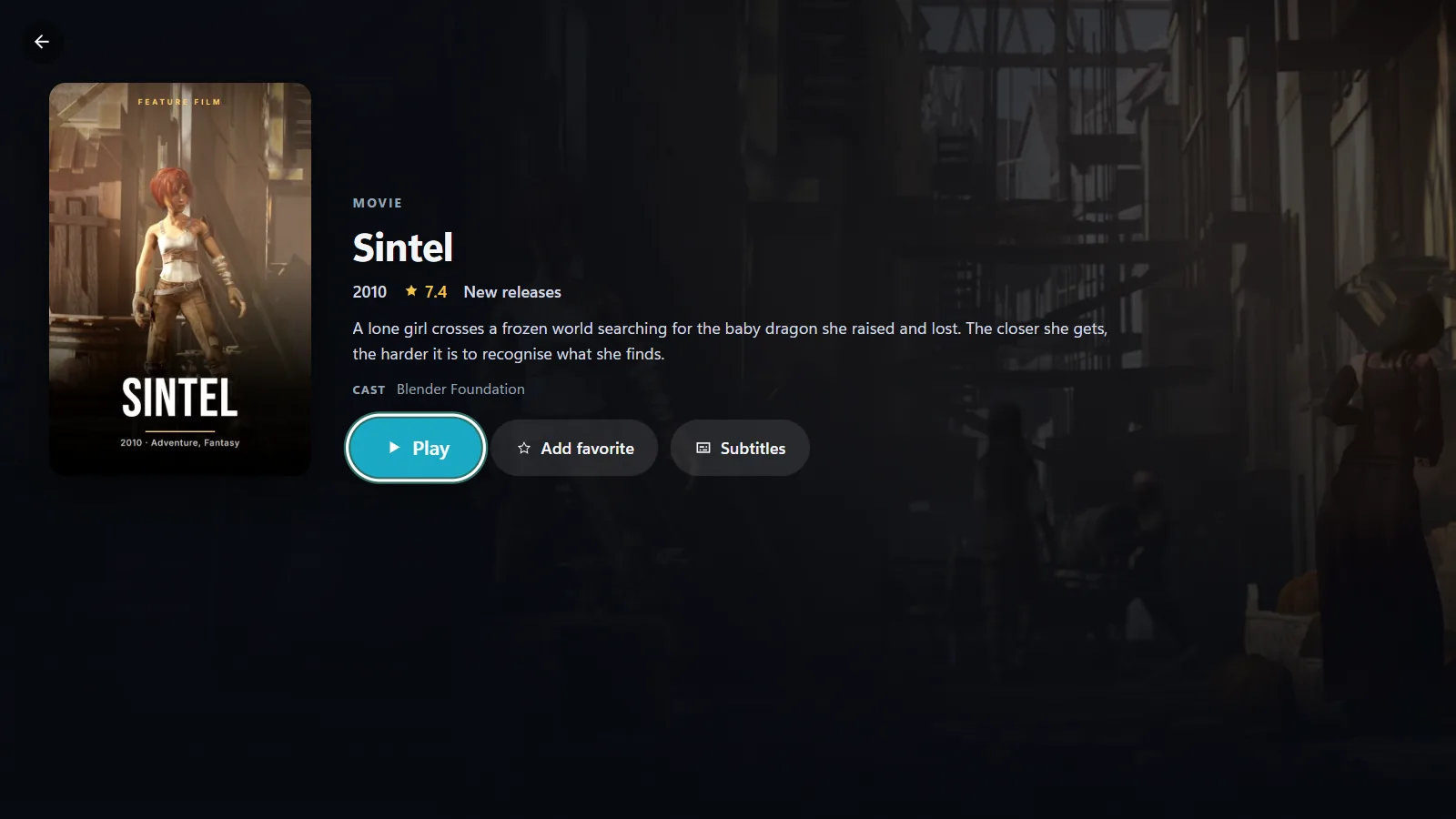
What you get
- Your Emby film and TV show libraries with covers, plot, cast, seasons and episodes.
- Skip intro and credits that learns each series from the sound of two episodes.
- The original file, played by the app on your device: on Android it tries the device’s own player and then its built-in VLC engine; on Windows the built-in FFmpeg converts on the fly what Windows cannot play. The server is never asked to transcode.
- Audio and subtitle tracks with a preferred language, speed, picture shape and a sleep timer.
- Android TV, Google TV, Android phones and tablets and Windows 10 and 11 with one account.
Add your server
- Install OndalyTV: on Android TV or an Android phone, the APK from ondaly.tv; on Windows, the Microsoft Store or ondaly.tv.
- Go to Settings › Sources › Add a Source and pick "Jellyfin / Emby" as the type.
- Type your Emby server address (for example http://192.168.1.20:8096), your user and your password.
- The app recognises it as Emby and your films and series appear. The password is not kept.
Good to know
- Films and series are part of Premium: the yearly plan starts with 7 days free.
- Emby live TV and DVR are not supported yet.
- Progress is kept in OndalyTV and not sent back to Emby.
If the sign-in fails
- Include the port: Emby usually listens on 8096 (http) or 8920 (https), so the address looks like http://192.168.1.20:8096.
- Use the same address that works in a browser on that device; if the browser cannot open it, the app cannot either.
- From outside your home, use the address you already use to reach the server remotely.
- Wrong user or password shows its own message; any other error means the server was not reached.
Emby or Jellyfin?
Both work the same way in OndalyTV: choose "Jellyfin / Emby" as the type and the app recognises which one it is talking to. Films, series, seasons and skip intro behave identically.
Download OndalyTV
Free player. No channels or content included.