Record live TV from your IPTV playlist on Windows
OndalyTV for Windows records live channels of your own playlist to the PC's disk: right now, or scheduled from the TV guide, so you can watch the programme whenever you like.
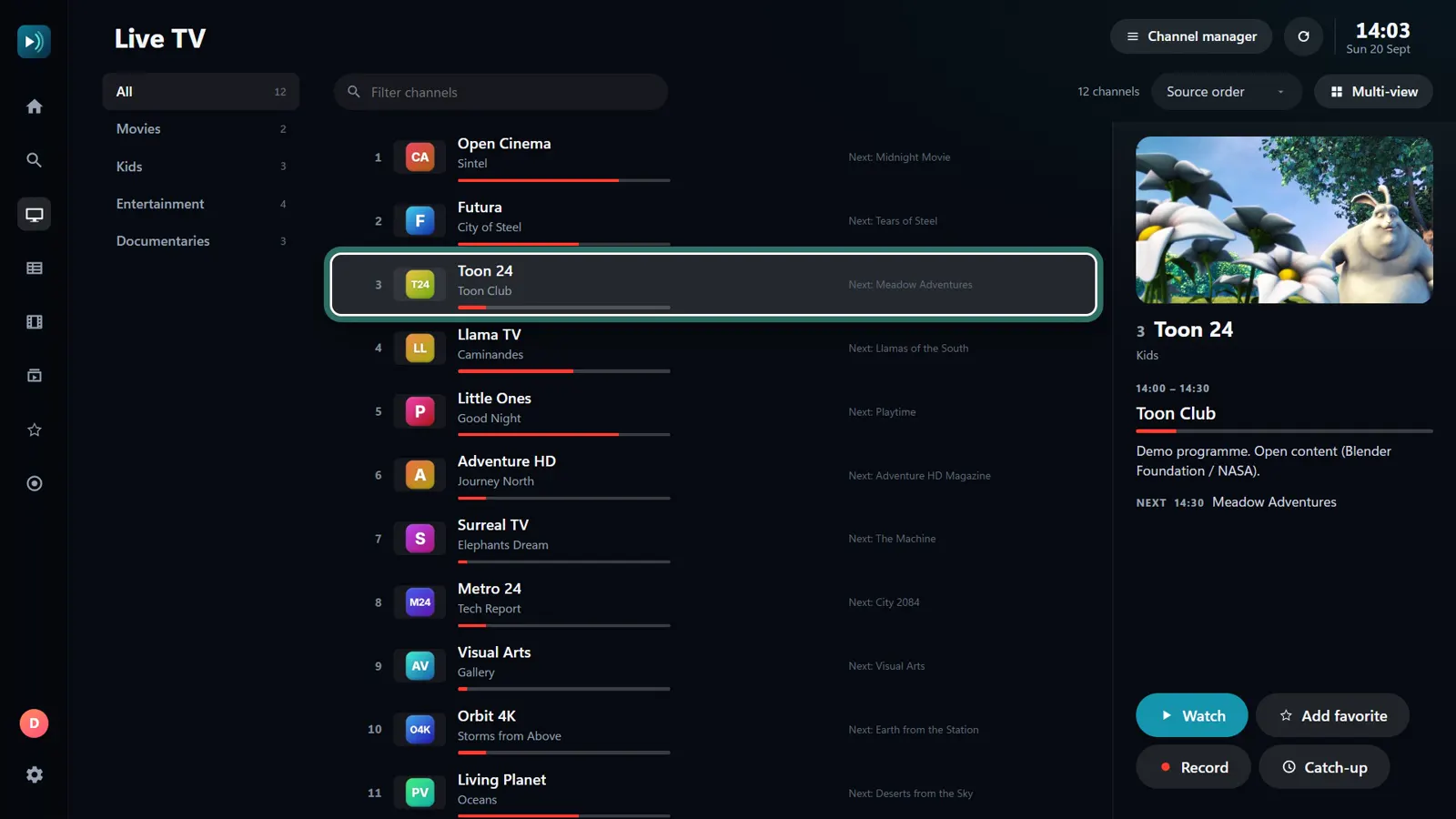
Record what is on now
- Open Live TV and choose the channel.
- Press Record.
- Stop it whenever you like from Recordings.
Schedule it from the guide
- Open the TV Guide and choose the programme.
- Choose Record: it starts and stops with the programme.
- The PC has to be on, with OndalyTV open, at that time.
Watch and tidy up
- Recordings lists what is scheduled, what is recording and what is finished; Play opens it in the app.
- Delete removes the file from the disk.
Good to know
- Recording is in the Windows app. On Android TV and phones there is no recording; if your provider keeps an archive, catch-up lets you watch past programmes there.
- A recording uses one connection to your provider: to watch another channel while you record, your account has to allow two at once.
- Recording is part of Premium.
Where recordings go and how much space they take
- Recordings are saved in OndalyTV's own folder on the PC and listed in Recordings, where you play or delete them.
- An hour of HD takes roughly 2 to 4 GB, depending on the channel. In Settings you can set a disk limit in GB; the app also keeps 500 MB free and stops a recording before it fills the disk.
Common questions
- Can I record one channel and watch another? Yes, if your provider allows two connections at once.
- What happens if the PC restarts? Scheduled recordings are kept and start on time; a recording that was running when the PC turned off stops there.
- Does it record films and series? Recording is for live channels; films and series from your playlist can already be played whenever you like.
Price
Live TV is free, with no account. Premium unlocks the rest: the yearly plan (7.99 € a year + VAT, first 7 days free) or a lifetime licence (24.99 € once + VAT), on 5 devices with 2 watching at once.
Download OndalyTV
Free player. No channels or content included.