The TV guide is empty (or wrong): how to fix it
The channels play, but every row says "No information". A playlist and a guide are two different things, and the guide is the part providers most often leave out or get wrong.
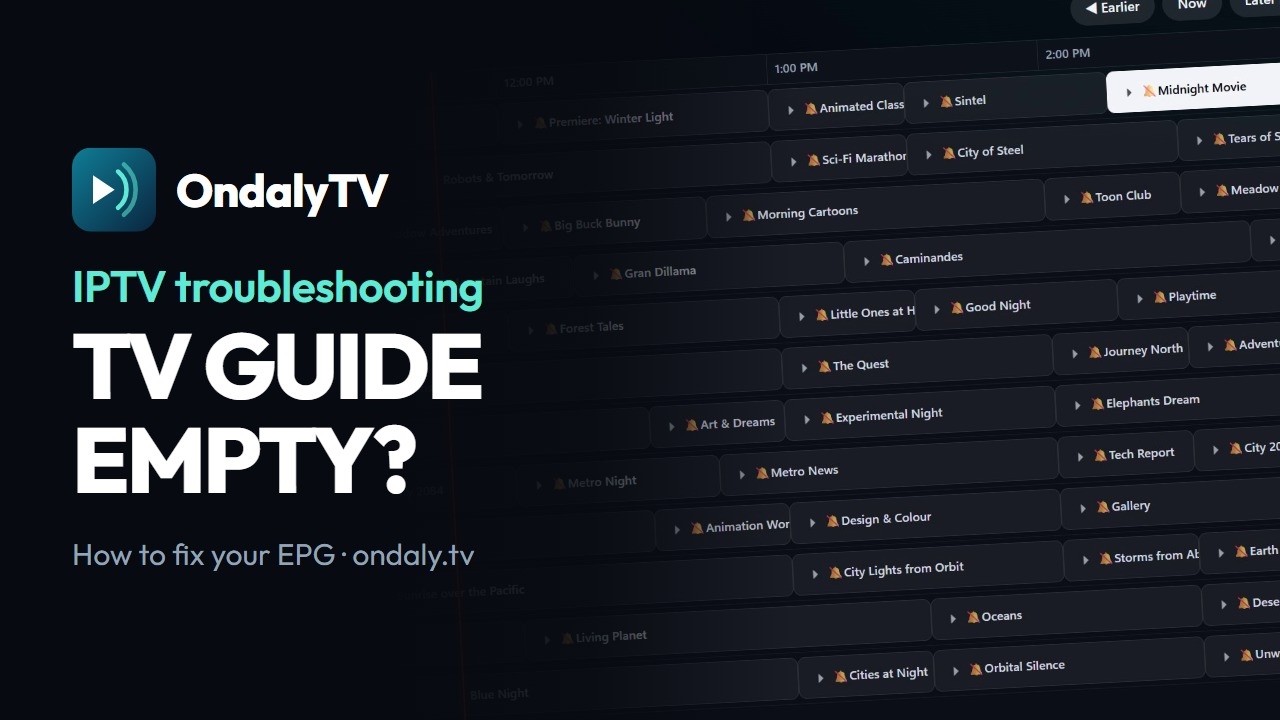
Where the guide comes from
A playlist carries channels. The guide — what is on now, what comes next, what is on tomorrow — travels separately, in an XMLTV file. With Xtream Codes the provider serves it from the same account; with an M3U the link is usually written into the playlist header (url-tvg), if it is there at all.
Each channel in the playlist carries an id (tvg-id) and the XMLTV file lists programmes under those same ids. When the two do not match, the guide is there and still shows nothing.
The four reasons it fails
- The provider does not send a guide at all. Common with cheap M3U links.
- The ids do not match: the playlist says "LA1.es" and the guide says "La1HD". Nothing lines up.
- The times are shifted by a whole number of hours: the file uses a different time zone from yours.
- The guide is only today. A week of programmes is a Premium feature in OndalyTV; today and now/next are free.
Point the app at a guide that works
In Settings › Sources, edit your playlist and add one or more XMLTV addresses, one per line. OndalyTV suggests a few public ones that we fetch and parse before listing them — not just a working link, but one that actually yields current programmes:
- epg.pw, international
- open-epg, Spain
- open-epg, Mexico and Latin America
- open-epg, United Kingdom
If it still does not match
Your provider decides the ids in the playlist, so an external guide only matches when both use the same convention. Try the guide for your country first, and prefer the one your provider gives you if they give you any: theirs is the one built for their ids.
A guide that is right but shifted by a whole number of hours comes from the time zone in the file. You can correct it in the app: in Settings › Sources, edit the playlist and set its guide time offset, up to 12 hours either way.
If one channel still shows nothing, match it by hand: open Channel manager, at the top of Live TV, and choose the right guide entry for that channel.
What you get once it works
- Now and next on every channel, with a progress bar.
- A 7-day grid you can walk through with the remote.
- Reminders before a programme starts, and recordings scheduled from the guide (Windows app).
- Programmes from the guide also show up in search.
- Now/next and today are free; the week, reminders and recordings are Premium.
Free player. No channels or content included.