An OTT Navigator alternative that also runs on Windows
OTT Navigator is a powerful, very configurable IPTV player for Android and Android TV. On Windows it only runs through Android emulation. If you also watch on a PC, or prefer an interface with fewer settings, OndalyTV is worth a look.
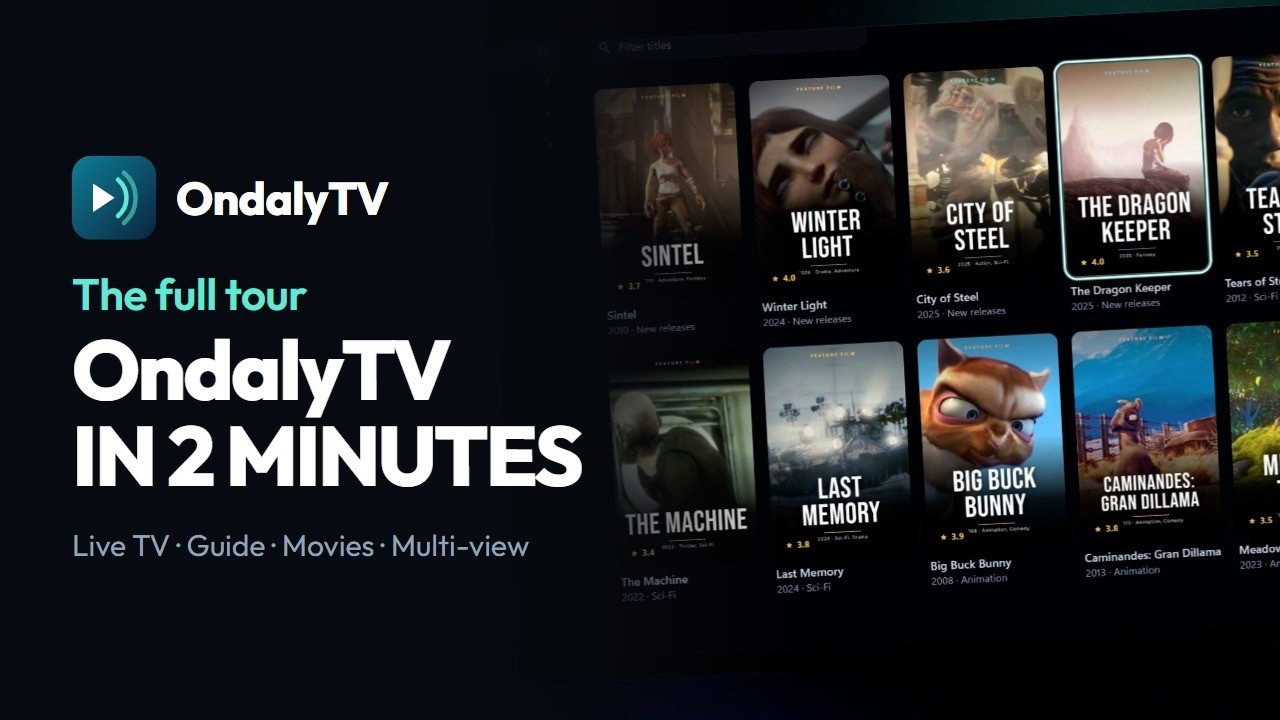
What both have in common
- Both play the M3U playlist or Xtream Codes account you already have and include no content.
- A programme guide, catch-up when the provider keeps an archive, favourites and parental locks.
- A free version and a Premium that covers several devices.
What OndalyTV adds
- A native Windows 10/11 app with the same account as your television, no Android emulator needed.
- Subtitles that sync themselves to the dialogue (Windows app) and skip intro that learns each series from its sound.
- Your own Jellyfin, Emby or Plex server in the same app as your playlist.
- Recordings on Windows, multi-view of 2 to 4 channels, catch-up when your provider keeps an archive, and Chromecast.
When OTT Navigator may suit you better
- If your provider gives you a Stalker portal (MAC address) login: OndalyTV opens M3U and Xtream Codes, not Stalker.
- If you watch DRM-protected streams or like fine-tuning every skin and setting: OTT Navigator has more options.
- If you only watch on Android TV and it already works for you, a change is not worth it on its own.
Moving over takes a few minutes
- Install OndalyTV: on Android TV or an Android phone, the APK from ondaly.tv; on Windows, the Microsoft Store or ondaly.tv.
- Add the same playlist: paste the M3U address, or type the Xtream Codes server, username and password your provider gave you.
- If your provider has a separate guide (XMLTV) address, add it too; with Xtream Codes it usually comes by itself.
- Try it first with the built-in demo playlist if you want to see the app before touching your own list.
Price
Live TV is free, with no account. Premium unlocks the rest: the yearly plan (7.99 € a year + VAT, first 7 days free) or a lifetime licence (24.99 € once + VAT), on 5 devices with 2 watching at once.
Download OndalyTV
Free player. No channels or content included.