Your Plex server on Android TV and Windows
OndalyTV can play the films and series of your own Plex Media Server. There is no password to type with the remote: the app shows a four-letter code, you enter it at plex.tv/link from your phone, and your libraries appear in Movies and Series.
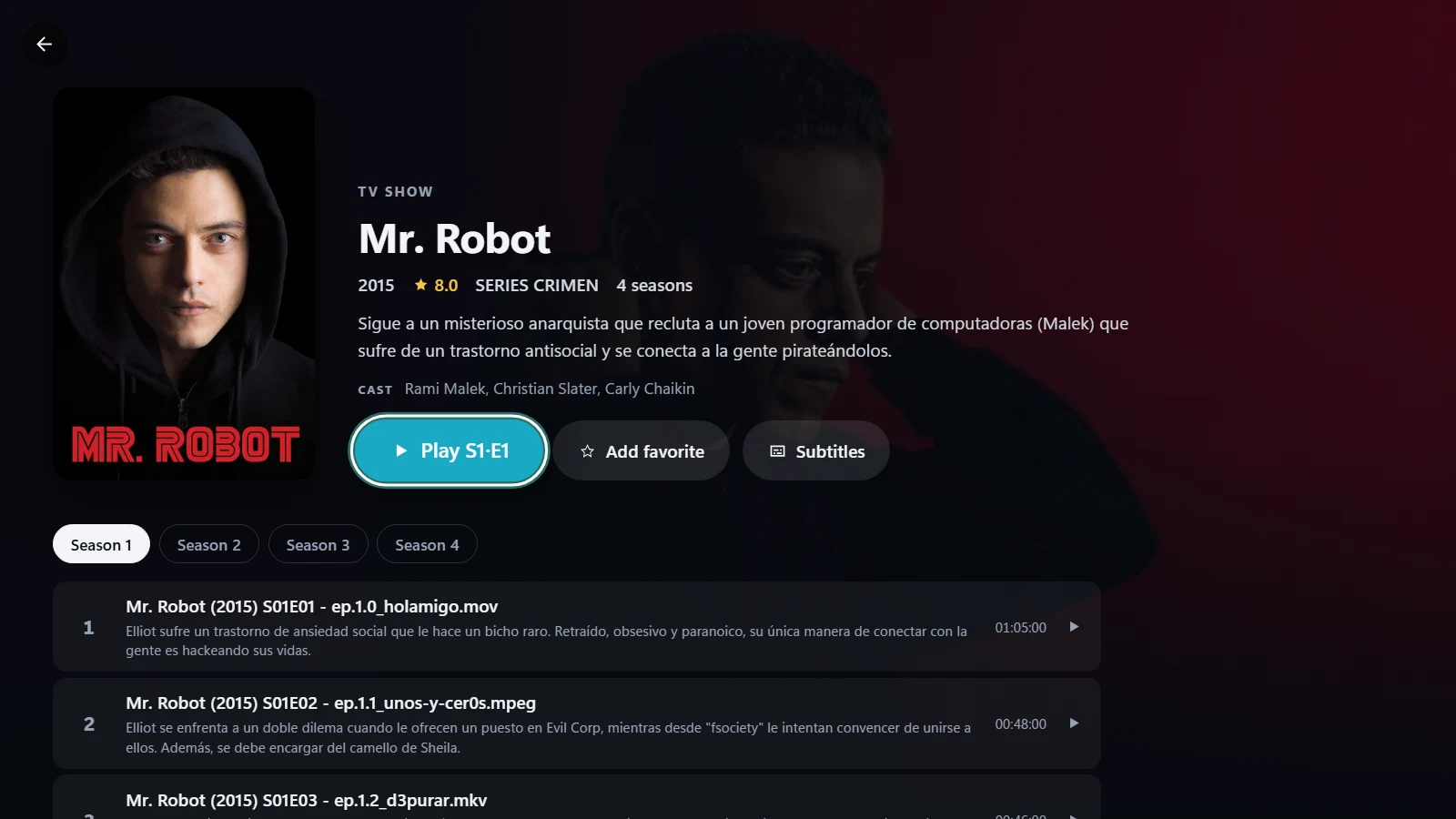
What you get
- The film and TV show libraries of your Plex server, with covers, plot, cast, seasons and episodes.
- Skip intro and credits that learns each series by itself from the sound of two episodes.
- The original file, played by the app on your device: on Android it tries the device’s own player and then its built-in VLC engine; on Windows the built-in FFmpeg converts on the fly what Windows cannot play. The server is never asked to transcode.
- If your server changes address on your home network, the app finds it again by itself.
- The same app and account on Android TV, Google TV, Android phones and tablets and Windows 10 and 11.
Link your server
- Install OndalyTV: on Android TV or an Android phone, the APK from ondaly.tv; on Windows, the Microsoft Store or ondaly.tv.
- Go to Settings › Sources › Add a Source and pick Plex as the type.
- Open plex.tv/link on your phone or computer, sign in to Plex and type the code the television shows.
- Choose your server if you have more than one. Your films and series appear in Movies and Series.
Good to know
- Films and series are part of Premium: the yearly plan starts with 7 days free.
- Plex live TV and DVR, music and photos are not supported: OndalyTV shows films and series.
- Progress is kept in OndalyTV and not sent back to Plex, so Plex's "watched" marks and its Continue Watching row do not change.
- OndalyTV plays servers you run or were invited to. It does not include Plex's own free films and channels.
Download OndalyTV
Free player. No channels or content included.